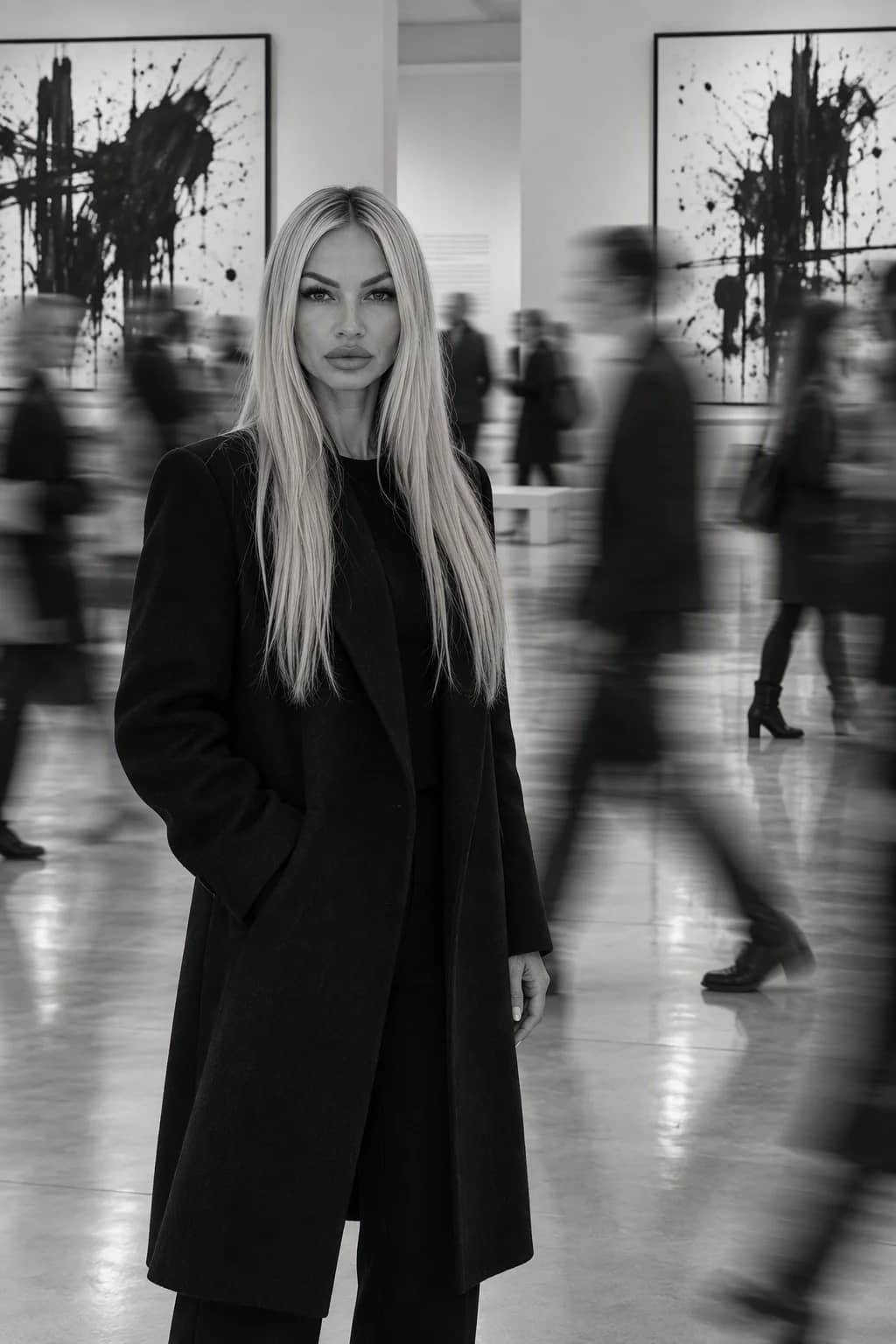
Чёрно-белый студийный портрет с вертикальной светотенью
Идея для генерации изображения с помощью ИИ
Шаблон для драматичного чёрно-белого бьюти-портрета: крупное кадрирование, спокойный взгляд в объектив и контрастная светотень.
Готовый промпт для нейросети
Create an ultra-realistic black-and-white studio beauty portrait in a Vogue × Fine Art Photography × High Contrast Fashion Editorial aesthetic. Use a vertical 2:3 format, 8K quality, maximum detail, and the look of a high-end magazine photograph.
Use the uploaded photo of one person as the sole appearance reference. Preserve the person’s face, age, eye, nose, lip, cheekbone and chin shapes, face outline, proportions, and natural skin texture as faithfully as possible. Do not make the person younger, idealize or alter their features, or change their proportions. Keep the person recognizable.
Frame the portrait tightly, from the upper chest to the crown of the head. Turn the head slightly into a three-quarter view, with the face angled a little to the left of the camera. The gaze is confident and direct into the lens; the expression is calm, serious, and mysterious, with lips slightly parted. Keep the shoulders bare and clothing outside the frame. The neck appears elongated, and the posture is elegant.
Style the hair sleekly swept back into an elegant glossy hairstyle with a deep side part, adapting it to the reference person’s hair length and natural characteristics. Apply luxury beauty makeup: defined eyes, neat eyeliner, emphasized lashes, naturally shaped brows, subtle facial sculpting, and lips with a light satin sheen. Retain natural skin texture; avoid excessive retouching.
Make dramatic studio chiaroscuro the defining feature. Place a hard, directional light source to the right and slightly above the camera. It should brightly illuminate one half of the face, including the forehead, eye, cheekbone, lips, and neck, creating crisp highlights and pronounced volume. Submerge the opposite half of the face in deep, almost black shadow. Let the boundary between light and shadow run nearly vertically through the center of the face, producing split lighting. Use deep blacks, bright silvery-white highlights, and graphic contrast.
Set the portrait against a minimalist dark-gray studio background with a soft lighting gradient. Include no objects, jewelry, lettering, or distracting details. The mood is mysterious, restrained, sensual, elegant, and high-fashion.
Photographic style: professional medium-format portrait photography, 85–120 mm lens, f/5.6, ISO 100, high micro-contrast, the visible eye in perfect sharp focus, detailed hair, and natural skin texture. Render deep black tones and rich midtones with subtle analog grain, evoking classic Ilford FP4 Plus black-and-white film.
The image must be strictly monochrome, with no color tones. Do not alter the person’s individual facial features, age, or recognizability. Avoid plastic-looking skin, excessive retouching, distorted anatomy, artificial gloss, and unnatural proportions. The result should look like a genuine professional fashion photograph, not a digital illustration.